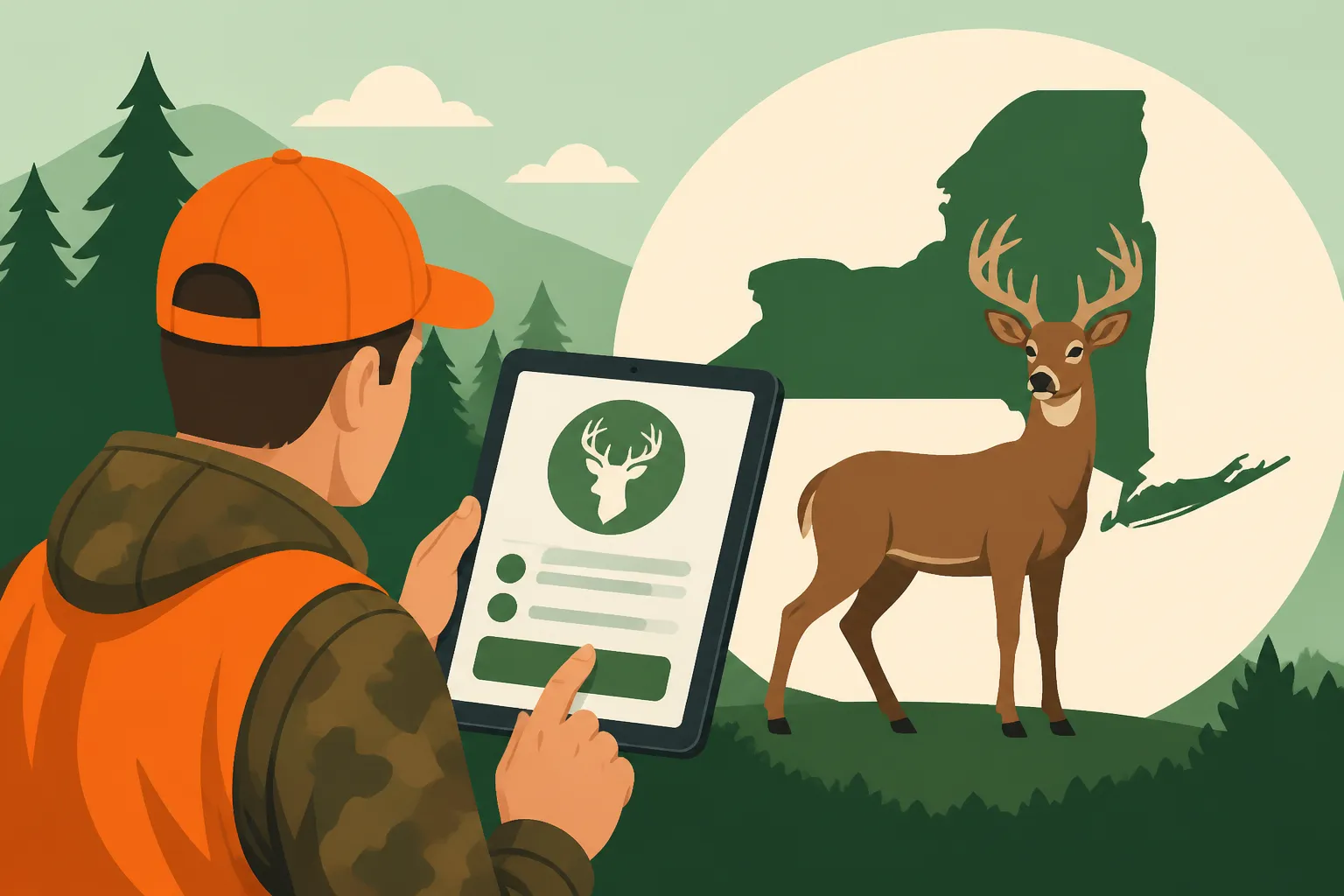
Reporting a New York Deer Harvest Online
That moment when you finally connect on a New York whitetail is exhilarating, but the clock starts ticking the second that deer hits the ground. Beyond the immediate tasks of field dressing and recovery, many hunters feel a rush of anxiety about the official reporting requirements. It can feel like a complicated bureaucratic process, especially if you're out in the field without great cell service or unsure of the exact steps. This guide is here to demystify reporting a New York deer harvest online, ensuring you can comply easily and get back to enjoying your successful hunt.
The Undeniable Importance of Reporting Your Harvest
It’s easy to view harvest reporting as just another chore, a piece of red tape that gets in the way of the real celebration of a successful hunt. But in New York, like in most states, it’s far more than that. This seemingly simple act is a cornerstone of sound wildlife management and plays a critical role in the health and future of our deer herd. Skipping this step, or getting it wrong, can have consequences not just for you, but for the wider deer population and future hunting opportunities.
Understanding New York's Data Needs
Think of every hunter in New York as a citizen scientist. Each reported harvest contributes a vital data point to a massive dataset that the New York State Department of Environmental Conservation (DEC) uses to make informed management decisions. Without accurate harvest data, the DEC would be flying blind, unable to properly assess deer populations, understand reproductive success, or gauge the impact of hunting pressure. They need to know how many deer are being taken, where they're being taken, and by what means to understand trends.
This data helps the DEC determine things like future season lengths, bag limits, and the number of Deer Management Permits (DMPs) to issue in specific Wildlife Management Units (WMUs). For instance, if harvest numbers are consistently low in a particular WMU despite healthy deer sightings, it might indicate that hunting pressure isn't sufficient to meet population objectives. Conversely, if harvests spike, it could signal a need to adjust future allocations. It's a continuous feedback loop, and your report is a crucial part of that loop. Every single piece of information, from the sex of the deer to the county it was harvested in, paints a clearer picture for biologists trying to balance the needs of the deer, their habitat, and the hunting community.
Legal Obligations and Potential Penalties
Beyond the altruistic reasons of wildlife management, reporting your harvest is a legal requirement in New York. The law states that you must report your deer (or bear, or turkey) within seven days of harvest. Failure to do so isn't just a minor oversight; it's a violation that can carry penalties. While nobody wants to dwell on fines or license revocations after a successful hunt, it’s a stark reality that neglecting this responsibility can lead to. The DEC takes this seriously because it directly impacts their ability to manage game effectively.
Imagine you've just taken a beautiful buck in the Southern Zone during the firearm season. You’re tired, excited, and maybe you want to put off the paperwork. But letting those seven days slip by can put you in a tough spot. It’s always best practice to report as soon as practically possible after the animal is tagged, minimizing the chance of forgetting or encountering unforeseen issues. Staying compliant means ensuring you can continue to enjoy the privilege of hunting in New York for years to come. For more details on the statewide requirements, you can always check out the official information on New York Deer Reporting Requirements.
The Step-by-Step Online Reporting Process
The good news is that New York has made the harvest reporting process relatively user-friendly, especially with the online system accessible through the DEC's HuntFishNY portal. Gone are the days of mailing in postcards or waiting in line at a physical vendor. While it might seem daunting the first time, once you walk through it, you'll see it's quite straightforward. The key is to be prepared with all the necessary information before you even log in.
Accessing the HuntFishNY System
The primary method for reporting your deer harvest online is through the New York DEC's official HuntFishNY website or its companion mobile app. This integrated system is your one-stop shop for everything from purchasing licenses to reporting harvests.
First, you'll need to navigate to the HuntFishNY portal. You can easily find this by searching for "NY DEC HuntFishNY" or heading directly to the DEC's website. If you're using a smartphone, downloading the HuntFishNY app is often even more convenient, especially if you're trying to report from a rural area with intermittent signal. Once there, you'll need to log in using your existing NY.gov ID. If you've ever bought a license online, you already have one. If not, you'll need to create an account, which typically involves providing some personal information and creating a username and password. This process ensures your harvest is correctly linked to your hunting license and profile.
Information You'll Need Ready
Before you even click "Report Harvest," gather all the necessary details. Having this information at your fingertips will make the process much smoother and reduce the chances of errors. It's frustrating to start the process only to realize you need to go back and find a piece of information.
Here’s a checklist of what you should have handy:
- Your NYSDEC Customer ID: This is a unique number assigned to you when you first get a license. It’s usually found on your hunting license or any previous permits.
- The Tag Number: Every deer tag (regular Big Game tag or Deer Management Permit) has a unique number printed on it. This is how the DEC tracks which specific tag was used. Make sure you use the actual tag number that was physically affixed to the deer. If you've been successful in filling extra DMPs in unlimited WMUs, make sure you're using the correct corresponding tag.
- Date of Harvest: The exact day you harvested the deer.
- Time of Harvest: The approximate time of day (AM/PM) the deer was taken. This helps with understanding deer movement patterns.
- County of Harvest: The specific New York county where the deer was harvested.
- Wildlife Management Unit (WMU) of Harvest: This is incredibly important. WMUs are geographical areas the DEC uses for localized management. You can find WMU maps online or using mapping apps like GoHunt, which overlays WMU boundaries directly onto satellite imagery, making it simple to pinpoint your exact location.
- Species Harvested: For this guide, it's deer.
- Sex of the Deer: Buck (male) or Doe (female).
- Antler Points (if a Buck): Count the number of points on one side, then the other. If the deer is an antlered buck, the system will ask for total antler points (e.g., 8 points, 6 points). In areas with antler restrictions, reporting this accurately is even more crucial.
- Hunting Implement Used: Was it taken with a bow, crossbow, muzzleloader, or a firearm? This helps the DEC understand the success rates and impact of different hunting methods, vital for understanding New York's Southern Zone Firearm Season or Bowhunting New York's Long Archery Season.
- Age of Deer (optional, but helpful): Sometimes the system will offer options like "fawn," "yearling," "adult," or "unknown." If you can reasonably estimate, it's a helpful data point.
Having all these details written down or readily available will streamline your time spent on the computer or phone.
Navigating the Reporting Form
Once you're logged into HuntFishNY and have selected the "Report Harvest" option, you'll be guided through a series of screens. The interface is designed to be intuitive, prompting you for each piece of information.
Here’s a general flow:
- Select Game Type: You'll choose "Deer" from a list that might also include bear or turkey.
- Enter Tag Number: Input the unique tag number from your physical license or DMP. The system might automatically pull some associated details, like your license type.
- Harvest Date and Time: Input these details.
- Location: This is where you'll enter the County and the WMU. Be precise here. If you're unsure, consulting a reliable map like the ones provided on the DEC website or through a service like GoHunt is essential. An error here could skew localized data.
- Deer Specifics: You'll select the sex of the deer. If it's a buck, you'll then be prompted to enter the number of antler points.
- Method of Take: Select the hunting implement you used.
- Review and Submit: Before finalizing, the system will present a summary of all the information you've entered. Take a moment to double-check everything for accuracy. This is your last chance to correct any mistakes.
- Confirmation: After submitting, you'll receive a confirmation number. It's highly recommended to write this down, take a screenshot, or print it. This confirmation serves as your proof that you have legally reported your harvest, just in case any questions arise later.
Confirmation and Record Keeping
Receiving that confirmation number is the official stamp that you’ve done your part. This number is incredibly important, as it’s the definitive proof that you reported your harvest. Always make sure to note it down. Some hunters even keep a small hunting journal where they log their harvest details along with the confirmation number. This becomes an invaluable personal record and can be referenced if any issues or questions about your harvest arise. Don't just dismiss it; treat it as an official receipt for your successful hunt.
Common Issues and Troubleshooting
Even with a straightforward online system, things can sometimes go awry. Whether it's a technical hiccup or a simple mistake, encountering an issue can be frustrating when you're tired and excited after a hunt. Knowing how to handle these common problems can save you a lot of stress.
No Cell Service or Internet Access
This is a classic problem for hunters, especially those venturing into New York's more remote areas like parts of the Adirondack Forest Preserve or deep within Catskill ridges. You've just harvested a deer, you're pumped, but your phone shows "No Service." What do you do?
The most important thing to remember is New York's seven-day reporting window. This gives you ample time to get out of the woods and find a reliable internet connection. You don't need to report it the minute you pull the trigger. If you're deep in the backcountry, the priority is safely recovering and field dressing your deer. Once you're back home, or at least in a place with connectivity, you can complete the online report. Some hunters even make it a tradition to report their deer from camp if they have Wi-Fi, or at a local diner on the way home. Just make sure the physical tag is filled out and securely attached to the deer immediately after harvest. Even without cell service, you can still use offline maps on apps like GoHunt to confirm your exact location and WMU, then save that information to input later.
Incorrect Information Entered
We've all been there: rushing through a form, only to hit "submit" and realize you accidentally put the wrong date or selected the wrong WMU. If you discover you've submitted incorrect information, don't panic. The best course of action is to contact the New York DEC's regional office or their general information line as soon as possible. Explain the situation clearly, provide your confirmation number, and they will typically be able to guide you on how to correct the error.
Attempting to re-report the same deer with corrected information might lead to duplicate entries and further confusion, so always reach out to the DEC first. Having your confirmation number handy will make this conversation much easier. It's a testament to why keeping good records is so important.
Technical Glitches and Support
Technology isn't always perfect. Sometimes the website might be down for maintenance, or you might encounter an error message that you can't decipher. If you're experiencing persistent technical issues with the HuntFishNY portal or app, first try these common troubleshooting steps:
- Clear your browser cache and cookies: Sometimes old data interferes with website functionality.
- Try a different browser: If you're using Chrome, try Firefox or Edge.
- Try a different device: If your computer is giving you trouble, try the mobile app or vice versa.
- Check for system maintenance: The DEC sometimes announces planned outages for maintenance. A quick check of their website or social media might reveal if this is the case.
If these steps don't resolve the issue, contact the DEC for technical support. They have dedicated staff who can help walk you through the process or resolve underlying system problems. Remember, the goal is always to get your harvest reported accurately and within the seven-day window, so don't hesitate to seek help if you're stuck.
Quick Troubleshooting Table for Online Reporting
| Issue | Recommended Action | Important Notes |
|---|---|---|
| No Cell/Internet Service | Fill out physical tag immediately. Wait until you have service to report online. | You have 7 days from harvest date. Prioritize field dressing and recovery. Use offline maps (like GoHunt) to confirm WMU/location for later entry. |
| Submitted Incorrect Information | DO NOT re-report. Immediately contact the NY DEC regional office or general info line. | Have your confirmation number and correct details ready. Explain the error clearly. |
| Website/App Glitches | 1. Clear browser cache/cookies. 2. Try different browser/device. 3. Check DEC website for maintenance notices. | If issues persist, contact NY DEC technical support. Don't wait until the 7-day deadline if possible. |
| Lost Confirmation Number | Log back into HuntFishNY. Your past harvest reports should be accessible. | This is your proof of reporting. Always save it. If you can't find it online, contact DEC. |
| Can't Log into HuntFishNY | Use "Forgot Username/Password" options. Ensure correct NY.gov ID. | If issues persist, contact NY.gov ID support or DEC. Keep your Customer ID handy. |
What Happens After You Report Your Deer
So, you've successfully navigated the online portal, reported your deer, and received your confirmation number. You've done your part, but the story doesn't end there. Your single data point joins thousands of others to create a comprehensive picture that drives critical wildlife management decisions, shaping the future of deer hunting in New York.
How Your Data Contributes to Management
Every reported deer harvest feeds into a sophisticated database maintained by the DEC. This isn't just a simple tally; it's a rich source of information that allows biologists to analyze various aspects of the deer population. They look at overall harvest numbers, certainly, but also delve much deeper. They can see trends in antler development over time, assess the buck-to-doe ratio in specific WMUs, and understand how factors like weather or disease might be impacting fawn survival rates. For instance, data from one year might show a decline in yearling bucks in a particular region, prompting the DEC to review antler restrictions or permit allocations in that area.
Your report, combined with others, helps the DEC assess the effectiveness of programs like the Deer Management Assistance Program (DMAP) or even understand why New York loosened antlerless rules in certain years. Without this individual hunter data, the DEC would lack the granular information needed to respond dynamically to changes in the deer population, habitat conditions, or hunting pressure. This is a crucial distinction from simply estimating populations through aerial surveys or track counts; actual harvest data provides hard numbers on what hunters are taking from the landscape.
Future Implications for Deer Season
The collective harvest data directly influences future hunting regulations. For example, if the reported harvest numbers for antlerless deer are consistently below population management objectives in a particular WMU, the DEC might decide to issue more DMPs the following year or even make certain WMUs unlimited permit areas. Conversely, if buck harvests are declining in a specific region, it might trigger a review of antler point restrictions or season dates, such as adjusting the timing of Hunting the Rut in the Southern Zone to ensure sustainable harvest.
The data also helps the DEC fine-tune specific season structures, like the New York Holiday Deer Hunt Rules or the New York Youth Deer Hunt Rules, ensuring they are effective tools for managing deer populations while providing diverse hunting opportunities. It’s a complex balancing act, considering ecological factors, hunter satisfaction, and public safety. Your commitment to accurate reporting directly supports the scientific process behind these decisions, ultimately contributing to healthy deer populations and robust hunting seasons for generations to come.
Disclaimer
The information provided in this guide is for general informational purposes only and is not a substitute for official regulations. Hunters are always responsible for consulting the current New York State Department of Environmental Conservation (DEC) hunting regulations guide, available on their website, before participating in any hunting activity. Seasons, bag limits, and reporting requirements can change, and it is crucial to stay informed directly from the official source.